Used Car Technology Features Worth Paying For
Used Car Technology Features Worth Paying For
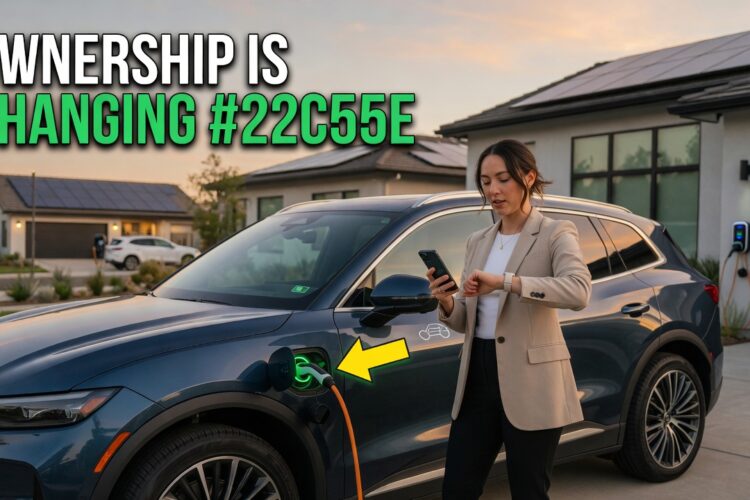
A buyer chose one car over another because it had remote start through a phone app. Warm car on winter mornings, worth the extra money.
The app never worked. Nothing was broken — the car’s modem ran on a 3G network switched off years earlier. The hardware was fine and the network it depended on no longer existed.
Nobody had lied to him. The feature was on the window sticker when the car was new, and it stopped existing somewhere between then and the day he bought it.
Technology ages least predictably of anything on a used car. Some of it is worth real money. Some depreciated to nothing. Some is a repair bill waiting for a trigger.
Tech is valued differently used than new
Three categories, and they behave nothing alike
Features you can’t add later. Anything wired into the car’s structure or safety systems — blind spot monitoring, adaptive cruise, heated seats, a sunroof. These hold their value in a purchase decision because your only chance to get them is to buy a car that has them.
Features your phone replaced. Built-in navigation, in-car apps, rear entertainment screens. Expensive when new, worth close to nothing now, and occasionally worse than nothing because they occupy the screen you’d rather use for something else.
Features that became liabilities. Large complex assemblies that work beautifully until they don’t, and then cost more to repair than the car’s remaining tech is worth.
Sorting a car’s options into those three buckets tells you what to pay a premium for and what to ignore entirely.
The question to ask about any feature
Not “is this nice,” but: can I add it afterward, and what happens when it fails?
A feature that’s cheap to retrofit isn’t worth a large premium. A feature that can’t be retrofitted and can’t easily fail is worth paying for. A feature that can’t be retrofitted and fails expensively is a judgment call about how much you want it.
The single most valuable feature to look for
Phone projection
If you take one thing from this article: on a used car, smartphone projection is worth more than any other tech feature, and it isn’t close.
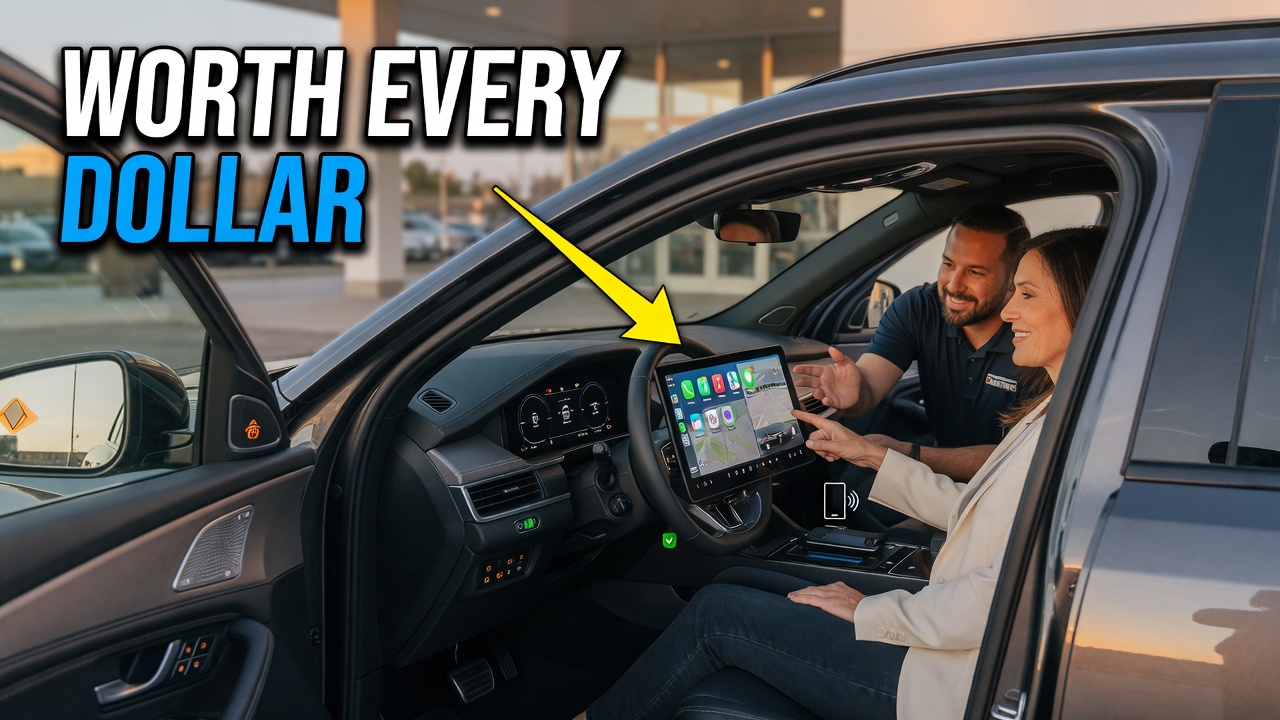
Apple CarPlay and Android Auto move the work of navigation, media, and messaging onto a device you replace every few years. The car’s infotainment stops being something that ages — it becomes a screen and a set of speakers, which age far more slowly than software does.
A car with projection has a dashboard that will still feel current in five years. A car without it has a dashboard that was already dated when you bought it.
The practical difference is stark between generations. A 2013 Audi A4 predates widespread projection support, so you’re living with whatever software shipped in it. Something like a 2021 Camry XSE hands the screen to your phone, and that’s the version that ages gracefully.
Wired versus wireless
Wireless projection is more convenient and slightly less reliable, and it doesn’t charge your phone while you use it. Wired is stable and keeps the battery topped up.
Not worth paying much extra for wireless. Do check which one the car has, since the difference shows up daily.
If a car doesn’t have it
Some vehicles can be retrofitted, either with a manufacturer software update, a dealer-installed module, or an aftermarket head unit. Availability varies enormously by make and model, and on cars where the screen is integrated into the dashboard design, an aftermarket replacement often looks wrong.
Research your specific model before assuming it can be added — this is the sort of thing where owner forums are genuinely reliable, provided you weigh them the way our guide to reading used car reviews suggests.
If it can’t be added, a phone mount and a decent Bluetooth connection covers most of the gap for very little money.
Driver assistance: which systems earn their premium
Blind spot monitoring
The highest-value assistance feature on the used market. It works constantly, it addresses a genuine limitation of human vision, and it can’t be retrofitted well.
Aftermarket systems exist and they’re a compromise — separate sensors, separate indicators, no integration with the mirrors. If you want this, buy a car that has it.
Adaptive cruise control, and the distinction nobody mentions
Not all adaptive cruise is the same, and the difference matters enormously depending on your commute.
Full-speed-range systems work down to a complete stop and resume, which makes them genuinely useful in traffic. Limited systems disengage below a threshold — often somewhere around 20 mph — which makes them a highway-only feature and close to useless in congestion.
The window sticker says “adaptive cruise control” for both. Check which one you’re getting by finding the specification for that exact model year and trim, or by testing it in slow traffic during the drive.
If you sit in stop-and-go traffic daily, the full-range version is worth real money. If you don’t, ordinary cruise control does most of the job.
Forward collision warning and automatic braking
Genuine safety value rather than convenience. The Insurance Institute for Highway Safety rates front crash prevention systems by model and year, and the ratings vary considerably between implementations — a system that scores well is meaningfully better than one that technically exists.
Worth checking the specific rating rather than assuming the feature is the feature.
Backup cameras
Standard on new US vehicles from May 2018 under the federal rear visibility rule, so on anything newer this isn’t a differentiator. The National Highway Traffic Safety Administration sets those requirements, and they’re a useful way to date which safety equipment a given model year should have. On older cars it’s a real option difference — and it’s also one of the cheaper things to add aftermarket.
Don’t pay a large premium for it on a pre-2018 car. Do check it works, since camera modules and wiring fail.
360-degree camera systems
Genuinely useful in tight parking, and a liability discussed below. Nice to have, not worth reorganizing a purchase around.
Lane keeping
The most variable in quality. Some implementations centre the car smoothly; others ping-pong between the lines or nag with warnings you’ll switch off within a week.
Test it on the drive. If it irritates you in twenty minutes it will irritate you for years.
Comfort features worth paying for
Heated seats and heated steering wheel
Consistently underrated. Cheap to want, difficult to retrofit properly, and used every single cold morning.
Aftermarket seat heaters exist and involve either sitting on a pad or having someone take the upholstery off. Neither is as good as factory. In a cold climate this is one of the few comfort options genuinely worth a premium.
Ventilated seats
Same logic in hot climates, and rarer, so it commands more.
Remote start
Valuable where winters are severe. Two things to check: whether it’s a factory system operated from the key fob, or an app-based one that depends on the car’s connected services — which brings us to the section below, and to the story at the top of this article.
Key-fob remote start keeps working indefinitely. App-based remote start depends on a subscription, a network, and an account transfer.
Power liftgate and dual-zone climate
Both pleasant, neither transformative. Price them as nice-to-haves rather than deciding factors, and check the liftgate struts work — they weaken with age and a heavy tailgate that won’t stay up is a daily annoyance.
Features that have aged badly
Built-in navigation
The clearest example of a feature that depreciated to nothing.
It cost a substantial premium when new. The map data is now years out of date, updates often cost money and require a dealer visit or a physical medium, and your phone does the job better and free with live traffic.
On a car with phone projection, built-in navigation is worth approximately zero. On a car without projection, it has some residual value — at least it’s a screen with a map on it.
Never pay a premium for it. If two otherwise identical cars differ only in that one has factory navigation, that difference should not move the price.
In-car apps
Cars from the early-to-mid 2010s often shipped with built-in streaming and weather apps. Most of those depend on services that have changed their interfaces or shut down, and many no longer function.
Test any embedded app during the viewing rather than assuming it works.
3G-based connected services
The one from the opening, and it caught a lot of people.
Cars with built-in cellular modems used the mobile networks of their era. When US carriers retired their 3G networks in 2022, vehicles whose telematics depended on 3G lost their connected functions — remote start via app, automatic crash notification in some systems, remote lock and locate, and live traffic data.
Some manufacturers offered modem upgrade programs; many didn’t, and many that did have closed them. On any car from roughly 2010 to 2018 with app-based features, verify they actually work today rather than reading the brochure.
Rear seat entertainment
Screens built into headrests, at considerable cost when new. Tablets ended this category entirely. Treat it as neutral rather than as a feature.
Wireless charging pads
Slow, fussy about phone position, and often unusable with a thick case. A cable does the job better. Nice if it’s there, worth nothing extra.
Features that become liabilities
Panoramic sunroofs
My honest position: skip them if you have the choice.
They add weight high in the vehicle, cost headroom, and drain through channels that run down the pillars. When those drains clog with debris, water backs up into the headliner and the floor. The glass panels and their motors are expensive assemblies.
They’re lovely, and they’re the option I’d most readily give up on a used car.
Large touchscreens that replaced physical controls
A usability question and a reliability one.
Cars that moved climate control, seat heating, and basic functions into a touchscreen require you to look away from the road for things a knob did by feel. And when the screen fails — they do fail — you lose the controls along with the display.
Something like a 2018 Mercedes E400 carries a lot of screen, which is part of what made it impressive new and part of what makes an out-of-warranty purchase a considered decision. Our used luxury car guide covers how those repair costs behave.
Digital instrument clusters
When a conventional gauge cluster fails you lose a gauge. When a digital one fails you lose the instruments, and the replacement is a coded module rather than a part.
Not a reason to avoid a car. A reason to test it thoroughly and to know what you’re taking on.
Adaptive and matrix headlights
Genuinely better at night, and among the most expensive things on a car to replace after a minor front-end impact. Check both units for cracks, internal moisture, and condensation, since the unit rather than the lens is usually what gets replaced.
360-degree cameras and parking sensors
Multiple cameras and sensors around the car, each of which can fail, several of which are mounted where they get hit by road debris and car washes.
Test every view during the viewing. A dead camera in a 360 system disables the composite view, not just one angle.
Air suspension
Covered thoroughly in our used SUV guide — the short version is that it rides beautifully and is the most expensive comfort system on a used car to repair.
Connected services and subscriptions
A category that barely existed a decade ago and now decides whether several features work.
The account has to transfer
App-based features — remote start, remote lock, vehicle location, service alerts — run through an account tied to the previous owner. If the car isn’t removed from their account and added to yours, those features either don’t work or work for them.
Ask the seller to remove the vehicle from their connected-services account before you take it, and set it up on yours before you pay. This is also a privacy matter in both directions: a previous owner who retains app access retains the ability to locate and sometimes unlock the car.
What dies without a subscription
Many connected features are subscription-based after an initial free period. Live traffic, Wi-Fi hotspots, remote functions, and concierge services commonly fall away when nobody’s paying.
Establish which features are subscription-dependent, what the subscription costs now, and whether the manufacturer still offers it for that model year — because some don’t.
What to verify at the viewing
Open the app on your own phone, if the car supports one, and see whether it connects. A feature you can’t demonstrate on the day is a feature you’re taking on trust.
What to pay for, and how to test it
What you can add later, and what you can’t
| Feature | Worth a premium? | Retrofittable? |
|---|---|---|
| Phone projection (CarPlay / Android Auto) | Yes, the most | Sometimes, model-dependent |
| Blind spot monitoring | Yes | Poorly |
| Full-range adaptive cruise | Yes, if you sit in traffic | No |
| Heated seats and steering wheel | Yes, in cold climates | Partially, not as well |
| Forward collision braking | Yes | No |
| Backup camera | Small premium only | Yes, cheaply |
| Remote start (key fob) | Moderate | Yes |
| Remote start (app-based) | Only if verified working | Depends on modem and subscription |
| Built-in navigation | No | Irrelevant — use your phone |
| Wireless charging pad | No | Yes, for very little |
| Rear entertainment screens | No | Yes — a tablet |
| Panoramic sunroof | No, and it’s a risk | No |
Testing the tech at the viewing
Twelve minutes, and it finds things.
- Pair your own phone by Bluetooth, then plug it in and confirm projection launches.
- Test every USB port — older ports charge slowly and some are data-only or power-only.
- Cycle through every infotainment menu, watching for lag, freezing, or dead sub-menus.
- Test the backup camera and every angle of any 360 system.
- Test the parking sensors front and rear.
- Run the climate control through all zones, both extremes, with seat heating and ventilation.
- Check every speaker individually using the balance and fade controls.
- Test blind spot indicators on a road with traffic.
- Engage adaptive cruise and confirm whether it holds to a stop.
- Try lane keeping and decide whether you can live with it.
- Open the connected-services app and see whether the car responds.
- Operate the sunroof fully, and check the headliner around it for staining.
What this tech does to resale later
Worth thinking about now, since you’ll be the seller eventually.
The features that hold value at resale are the same ones worth paying for today, for the same reason: buyers pay for what they can’t add themselves. Phone projection, blind spot monitoring, and heated seats all show up in listings and all move price.
The features that don’t help you at resale are the ones already discussed as dead weight — factory navigation, embedded apps, rear screens. Listing them adds length rather than value.
And the liabilities cut both ways. A panoramic roof with a stained headliner or a 360 system with one dead camera actively reduces what a buyer will pay, by more than the repair would cost, because unexplained faults make people wonder what else is wrong. Our guide to pricing a used car covers why discovered problems cost more than disclosed ones.
The practical upshot: buy the features you’ll use daily and can’t retrofit, keep the complex ones working, and don’t pay for anything your phone already does.
Common mistakes to avoid
- Paying extra for built-in navigation. Your phone is better and free.
- Assuming all adaptive cruise works in traffic. Many systems disengage at low speed.
- Buying app-based features without testing them. Modems, subscriptions, and accounts all have to line up.
- Paying a premium for a backup camera on an older car. It’s cheap to add.
- Ignoring who still has connected-app access. A previous owner shouldn’t be able to locate your car.
- Treating a panoramic roof as a pure upgrade. Drains clog and headliners stain.
- Skipping a full infotainment test. A frozen screen on the drive home is an expensive discovery.
- Assuming an embedded app still works. Many of the services behind them are gone.
Frequently asked questions
What’s the most valuable tech feature on a used car?
Apple CarPlay or Android Auto. It shifts navigation and media onto a phone you’ll replace every few years, which stops the car’s infotainment from aging. Nothing else on the list ages as gracefully.
Is built-in navigation worth paying for?
No. Map data is out of date, updates often cost money, and a phone does it better with live traffic. On a car with phone projection it has no real value.
Can I add Apple CarPlay to an older car?
Sometimes — through a manufacturer software update, a dealer module, or an aftermarket head unit. It depends heavily on the make, model, and how integrated the original screen is. Research your specific vehicle before assuming either way.
Why doesn’t the app work on the used car I bought?
Three common reasons: the vehicle is still on the previous owner’s account, the subscription has lapsed, or the car’s built-in modem used a network that has since been shut down. The third one is permanent on many vehicles from roughly 2010 to 2018.
Are panoramic sunroofs a problem?
They add weight, cost headroom, and depend on drain channels that clog. Check the headliner for staining and test the drains before buying. Given a choice between two similar cars, I’d take the one without.
Should I pay more for a higher trim just for the tech?
Only for the features you can’t add later and will use daily — projection, blind spot monitoring, heated seats, full-range adaptive cruise. Higher trims also add screens, motors, and modules that can fail out of warranty, so the premium buys risk alongside capability.
Before you go and see a car, find the specification for that exact model year and trim and check two things: whether it has phone projection, and whether its adaptive cruise works down to a stop. Those two answers decide more about living with the car than anything else on the options list.
Ready to look? Browse the current inventory at CarHub and take the twelve-point tech test above with you.
About the author
Emran Ahmed is the founder and CEO of CarHub, a marketplace for buying and selling used cars across the United States. The dead remote-start app in the opening belonged to a buyer who assumed the car was broken, when the network it depended on had simply been switched off. Emran now asks sellers to open the app on their phone before anyone talks about price.
Suggested follow-up posts
- Can you add Apple CarPlay to an older car? Model-by-model options
- Connected car services: transferring the account when you buy or sell
- Adaptive cruise control types explained, and which one you need
- Panoramic sunroof drains: how to check them and how to clear them
- Infotainment failures: what a screen replacement actually costs